Accessible Web Content: How to Make Your Site More Inclusive
In today’s digital age, having a website that is inclusive and accessible is more important than ever. The concept of accessible web content is not just a trend; it is a necessity that ensures everyone, regardless of their abilities or disabilities, can engage with your content effectively. In this article, we will explore accessible web content and how to make your site more inclusive. By understanding accessibility requirements, implementing best practices in web design, incorporating accessible multimedia, regularly testing for compliance, and maintaining your site, you can create an online environment that welcomes and accommodates all users.
ROIstars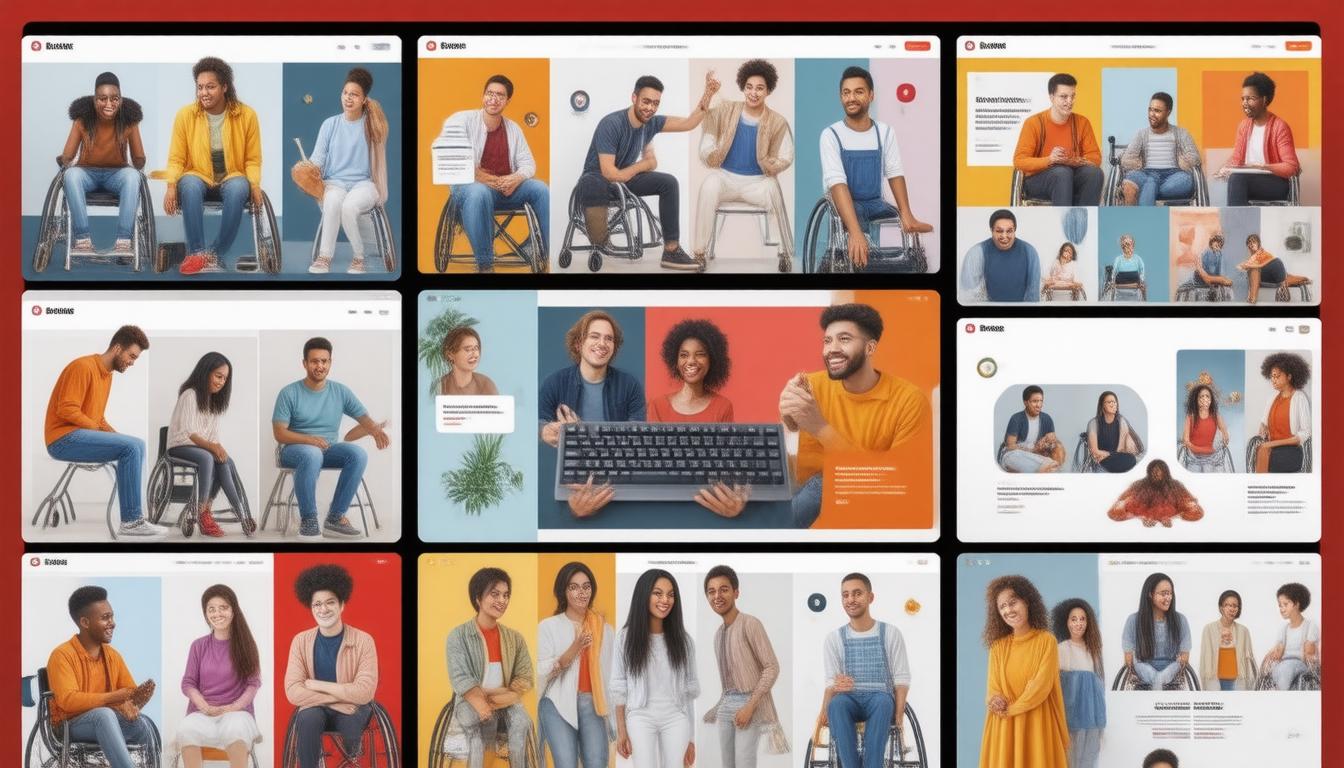
Key Takeaways
- Understanding accessibility requirements is crucial for creating an inclusive web experience.
- Following best practices in web design can enhance usability for all users, including those with disabilities.
- Incorporating accessible multimedia ensures that content is available to a wider audience.
- Regular testing for accessibility compliance helps maintain high standards of inclusivity.
- Ongoing maintenance and updates are essential to adapt to new accessibility guidelines and technologies.
Understanding Accessibility Requirements
Understanding accessibility requirements is essential for creating an inclusive online environment. As the digital landscape evolves, it's crucial for website owners and developers to recognize the importance of Accessible Web Content: How to Make Your Site More Inclusive. Accessibility not only entails meeting legal standards, but it also ensures that your content can be navigated and understood by all users, including those with disabilities. This includes implementing alt text for images, ensuring text readability, and utilizing semantic HTML. By prioritizing these accessibility features, you not only enhance user experience but also improve your site's SEO, as search engines favor sites that are accessible to a broader audience. Take proactive steps to assess and update your site, making it a welcoming space for everyone.
Best Practices for Web Design
Creating accessible web content is crucial for ensuring that your website accommodates all users, including those with disabilities. To achieve this, start by following best practices for web design that prioritize inclusivity. First, use semantic HTML to ensure screen readers can accurately interpret your content. This means using the appropriate tags, such as
'The power of the web is in its universality. Access by everyone regardless of disability is an essential aspect.' - Tim Berners-LeeROIstars

Incorporating Accessible Multimedia
Incorporating accessible multimedia is a crucial step in creating Accessible Web Content: How to Make Your Site More Inclusive. As the internet becomes increasingly intertwined with everyday life, it's vital that all users, regardless of their abilities, can experience and interact with multimedia elements on your site. This begins with ensuring that all images include descriptive alt text, allowing users with visual impairments to understand the content through screen readers. Additionally, videos should come with captions and transcripts, making it easier for those who are deaf or hard of hearing to follow along. Furthermore, incorporating audio descriptions can greatly enhance the experience for visually impaired users, providing a richer understanding of video content. By following these best practices, you advocate for inclusivity and enhance overall user experience, proving that accessible web content is not just a guideline, but a responsibility in today's digital landscape.
Testing for Accessibility Compliance
Testing for accessibility compliance is essential for any organization looking to create Accessible Web Content: How to Make Your Site More Inclusive. The process involves evaluating your website against established guidelines such as the Web Content Accessibility Guidelines (WCAG). These guidelines ensure that individuals with disabilities can access, navigate, and interact with your site effectively. Begin by using automated accessibility testing tools that can quickly identify common issues, such as missing alt text for images or poor color contrast. However, automated tools should complement manual testing, where real users with disabilities can provide insights into the actual usability of your content. Regular audits and updates are fundamental, fostering an environment of inclusivity and ensuring that your web content meets the needs of all users.

Ongoing Maintenance and Updates for Inclusivity
Ongoing maintenance and updates for inclusivity are vital for ensuring that your website remains compliant with the latest accessibility standards. To create accessible web content and make your site more inclusive, it’s essential to regularly audit your existing pages for adherence to Web Content Accessibility Guidelines (WCAG). This process involves testing your website with various assistive technologies, such as screen readers, to identify any barriers that users may encounter. Furthermore, regularly updating your content to incorporate alt text for images, captioning for videos, and clear navigation will not only enhance user experience but also positively impact your search engine optimization (SEO) efforts. By committing to ongoing maintenance and updates for inclusivity, you will foster a more accessible web environment that caters to all users, regardless of their abilities.
Frequently Asked Questions
What is accessible web content?
Accessible web content refers to online materials that can be easily accessed and understood by all users, including those with disabilities. This includes ensuring that your website adheres to established guidelines to accommodate diverse needs for navigation, reading, and interaction.
What are some best practices for making a website accessible?
Some best practices include using clear and simple language, designing with sufficient color contrast, providing alt text for images, using headings and lists for organization, ensuring that all interactive elements are keyboard navigable, and avoiding reliance on color alone to convey information.
How can I incorporate accessible multimedia into my site?
To incorporate accessible multimedia, provide captions and transcripts for audio and video content, use audio descriptions for visual elements, and ensure that controls are operable through a keyboard. These measures help users with hearing or vision impairments access the same information.
How do I test for accessibility compliance?
You can test for accessibility compliance by using automated accessibility testing tools, performing manual checks against accessibility guidelines like WCAG (Web Content Accessibility Guidelines), and conducting user testing with individuals who have disabilities to gather feedback on your site's usability.
What ongoing maintenance is necessary to keep my website inclusive?
Ongoing maintenance for inclusivity includes regularly reviewing and updating content to ensure it remains accessible, keeping up with new accessibility standards, training staff on accessibility practices, and periodically testing the site for any emerging issues or updates needed in web design.
Damien Vernon
Sales Director | ROIstars Relationships & Results
Ready to unlock your brand's potential? Let's chat! With my expertise in digital marketing and AI-driven automation, I help businesses drive more leads, reduce costs, and maximize online success.
Contact Us Today


Comments
Post a Comment