Mastering Lead Acquisition: A Step-by-Step Guide to Downloading Leads from Facebook Ads Manager Using Meta Business Suite and Privyr
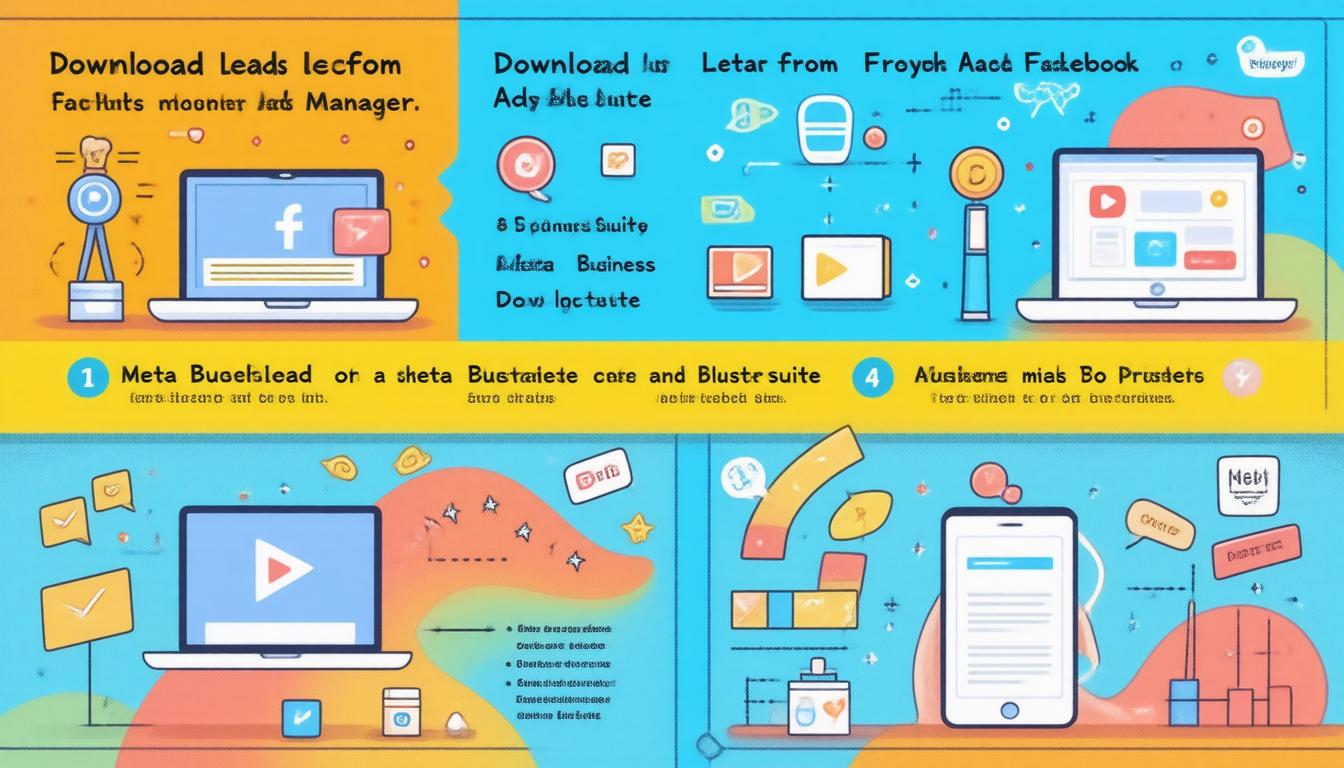
In the digital era, Facebook helps you find new leads. Facebook ads capture key details to grow your business. Saving leads can seem hard. This guide shows two ways to get leads. One way uses Ads Manager and Meta Business Suite. The other brings leads to your mobile via Privyr.
Method 1: Downloading Leads Manually
Via Facebook Ads Manager
-
Access Ads Manager
• Open your web browser and go to facebook.com/adsmanager. -
Find Your Ad
• In Ads Manager, look for your ad.
• Scroll to the results column for the ad you need. -
Download Leads
• Click on the ad results.
• A window shows options: download all leads or leads from a chosen date range.
• Choose an option and click Download.
• Your leads save to your device.
Via Meta Business Suite
-
Log in
• Open your Meta Business Suite dashboard. -
Go to Instant Forms
• Click All Tools in the menu.
• Then click Instant Forms. -
Choose Your Lead Form
• Pick the form with the leads you need. -
Get Your File
• Choose new leads since your last download or a date range.
• Pick the date range and click download.
• A pop-up lets you choose CSV or XLS.
Manual download works well when you use a computer. On a mobile screen, these steps can be slow.
Method 2: Using External Tools for Automation
Manual steps may slow you down. Some tools can fetch your leads for you. This saves time so you can work with your leads.
Popular Connector Tools
• Zapier sends your leads for you.
• Integromat (Make) works with Facebook ads, too.
Many free plans miss some features. Do some research to find the tool that fits you best. On phones, spreadsheets and CRMs can be hard to use.
Using Privyr for Mobile Access
If you work on a smartphone, Privyr works well. This mobile tool downloads leads automatically. It also brings you a way to message new leads right away.
Steps for Privyr
-
Create an Account
• Visit Privyr.com and sign up for a free account. -
Install the App
• Download the Privyr app on your smartphone and sign in. -
Connect Facebook Ads
• Follow prompts in Privyr to link your Facebook ads. -
Pick Your Pages
• You see a list of Facebook pages.
• Choose the pages you want to get leads from or pick all. -
Get Leads at Once
• Once connected, your leads come to you immediately.
• Send messages via WhatsApp, iMessage, or SMS.
Conclusion
You can get Facebook leads in two ways. One way uses Ads Manager or Meta Business Suite. The other way uses tools that do the work for you. For mobile users, Privyr gives you fast access to leads. Fast replies help you turn leads into new customers. Keep your process short and clear to boost your success.
We live and breathe performance marketing, using the platforms we love to drive real growth for businesses. If you have any questions about Google Ads or SEO and want to see if we’re the right fit, please get in contact — we’d love to chat! ROIstars


Comments
Post a Comment